
Motion: On
Motion: Off
Contrast: Standard
Contrast: High
Apply site-wide
Tutorial Video Library
Our growing collection of short videos will help you quickly understand:
- How to safely operate each machine
- Best practices for design and material selection
- Software tips for file prep (CAD, slicing, etc.)
- Form submission guide if you want a staff member to print the part for you
Safety First
Before using any powered equipment, all students must:
- Review the specific tool’s safety manual
- Check in with a staff member if it’s your first time using any equipment
Tip: Complete the general safety overview for each tool before using it on your own by selecting the link of the tool name.
The I²(studio) is equipped with a wide range of tools for design, prototyping, and fabrication. Whether you’re a beginner or have experience, this page helps you learn what’s available and how to use it safely and effectively.
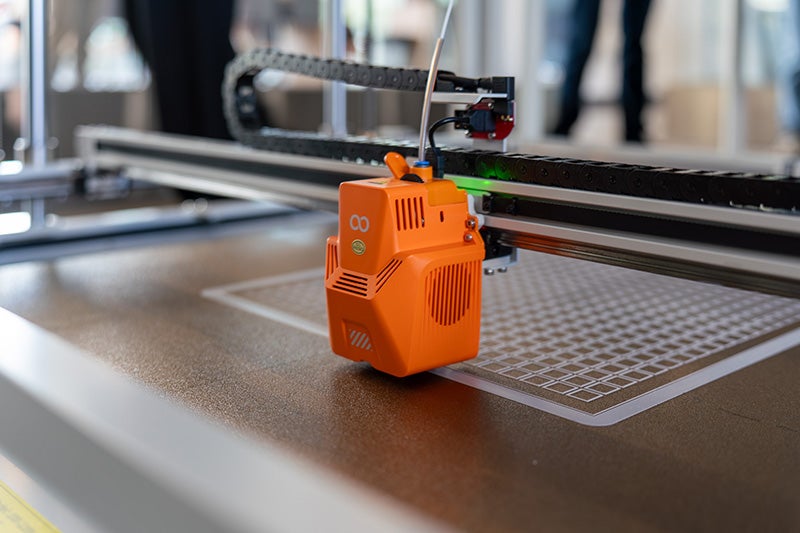
Available Equipment
Here are just some of the tools you’ll find in the studio.
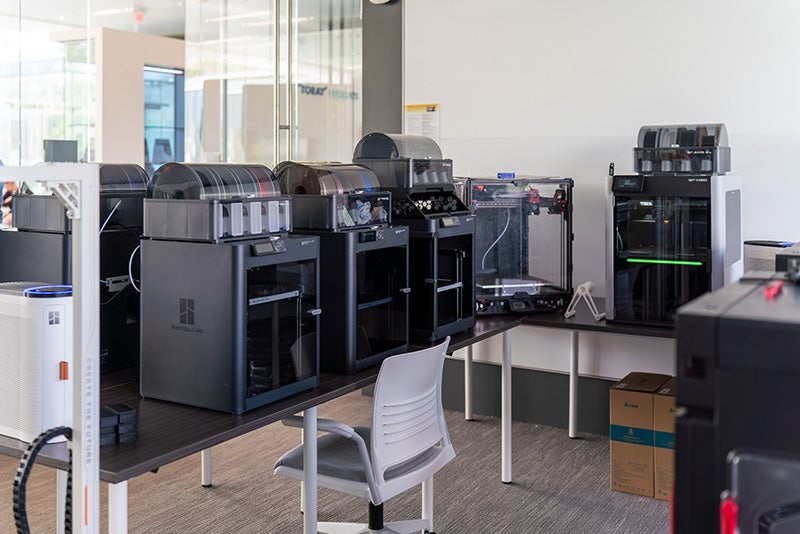
- 3D Printers
- FDM printers
- 8 Bambu Labs P1S’s
- 1 Bambu Lab H2D
- 1 Elegoo Orange Storm Giga
- Resin Printers
- 2 Elegoo Saturn 4 Ultra 16k
- FDM printers
- Laser Cutter
- X-Tool P2S 55W CO2 Laser Cutter
- Soldering Stations
- 3 Stations equipped with 70W Weller soldering irons, fume extractor, DC power supply, breadboards, jumper wires, etc.
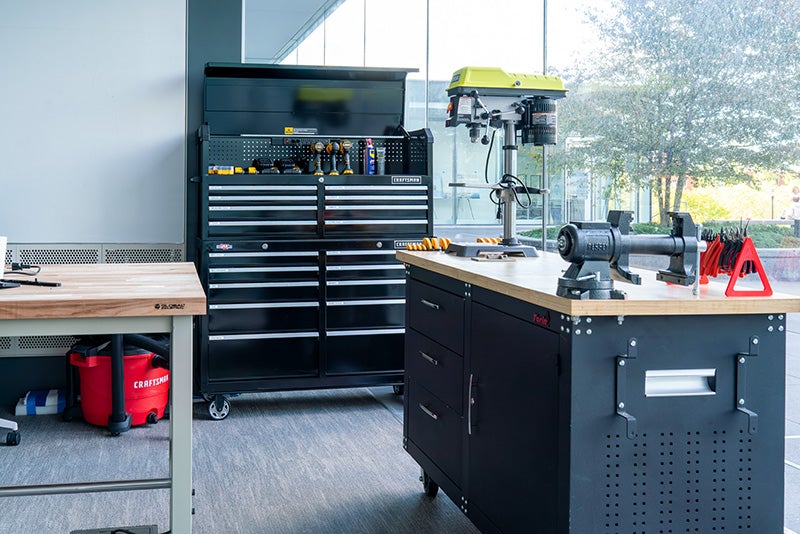
- Hand Tools
- General workshop cutting tools, vises, Dremel, and tabletop drill press
- Electronics Kits
- Arduinos, Raspberry Pis, and ESP32s for rapid prototyping with microcontroller needs. Various electronic components for projects.
- Workstations – Computers with CAD modeling, and design software
Need something specific? Check with staff to see what’s available or request a new tool.